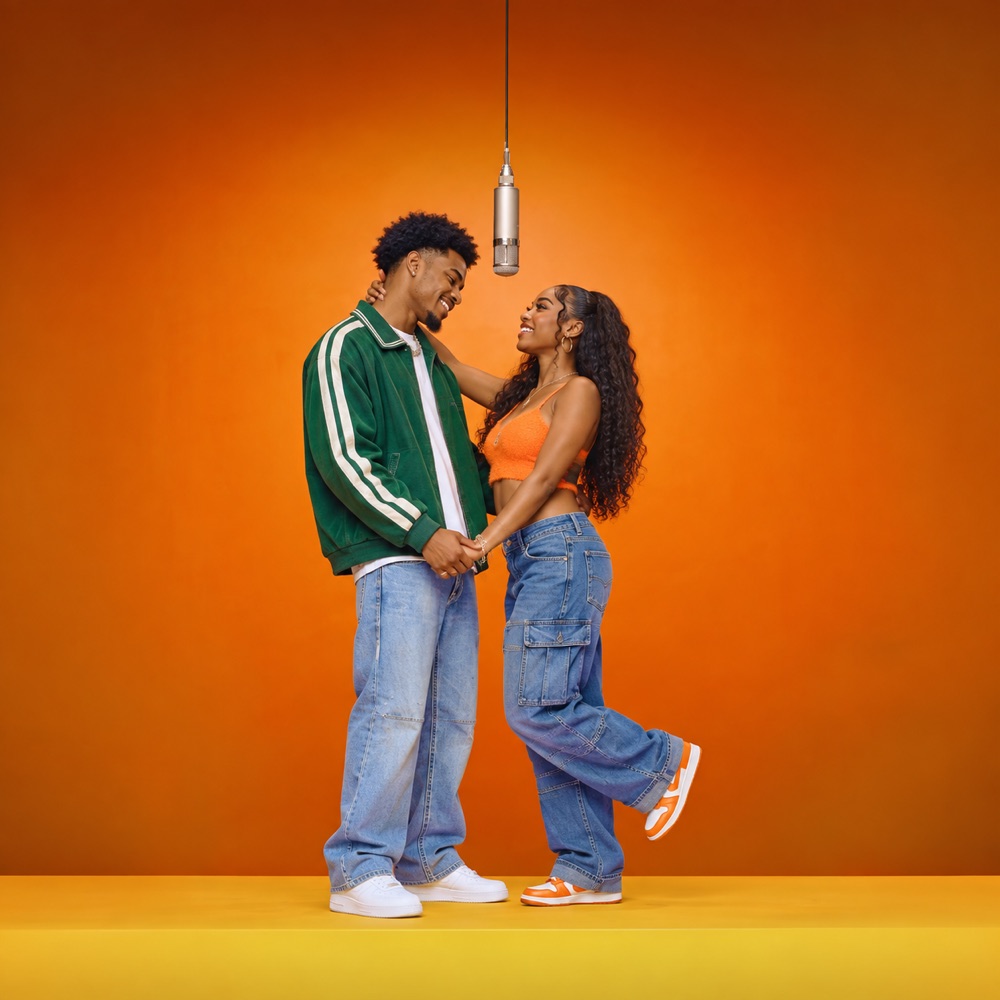
Couples
Turn your chemistry into a shared headline moment.
Turn best friends, siblings, teammates, or any two consenting adults into an orange-booth rap duo. Upload two clear photos and MiniMax H3 handles the performance.
For consenting adults and characters you control. Independent from COLORS, Migos, Quavo, Takeoff, and their labels.
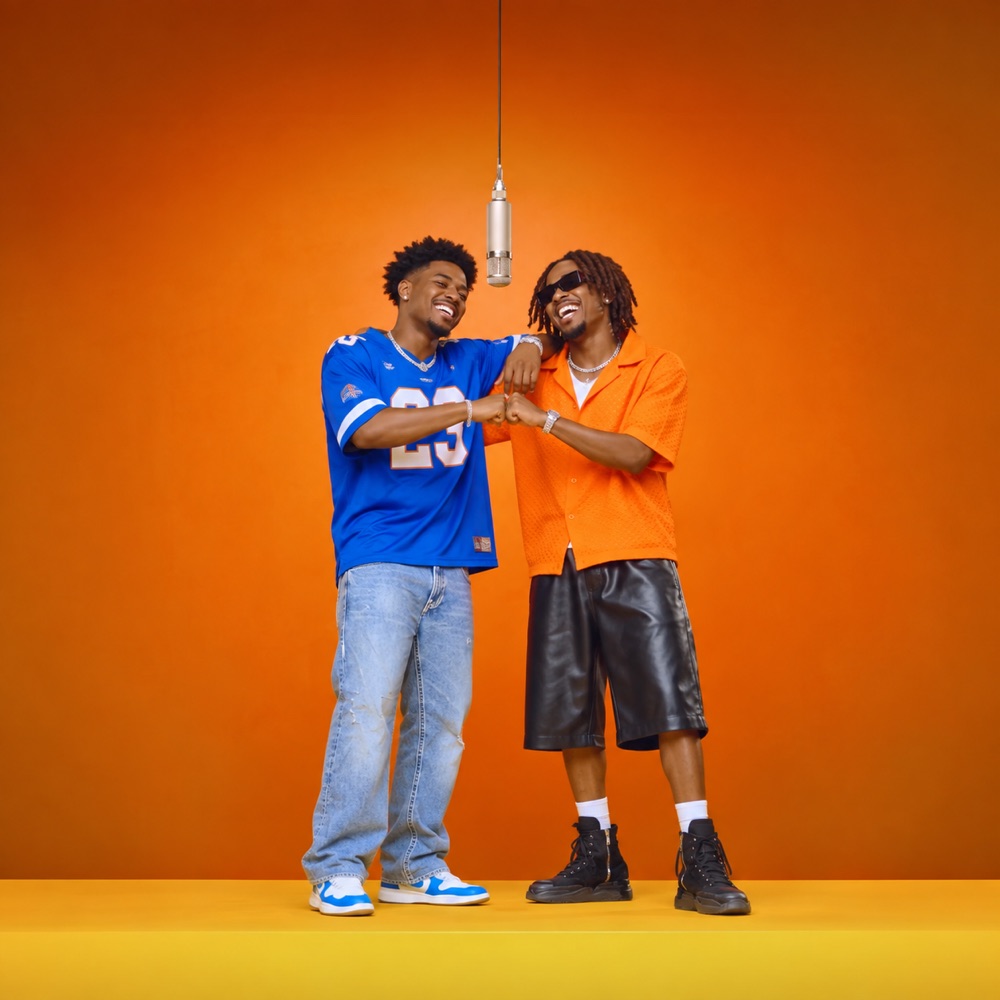
Best friends become the headline duo. Photo one stays left and photo two stays right.
Hotel Lobby video studio
Add one clear photo per performer. MiniMax H3 replaces the two people in the reference performance while preserving its action, timing, camera, and original audio.
Left performer
One adult, clear face, waist-up or full-body
Right performer
One adult, clear face, waist-up or full-body
Turn your chemistry into a shared headline moment.
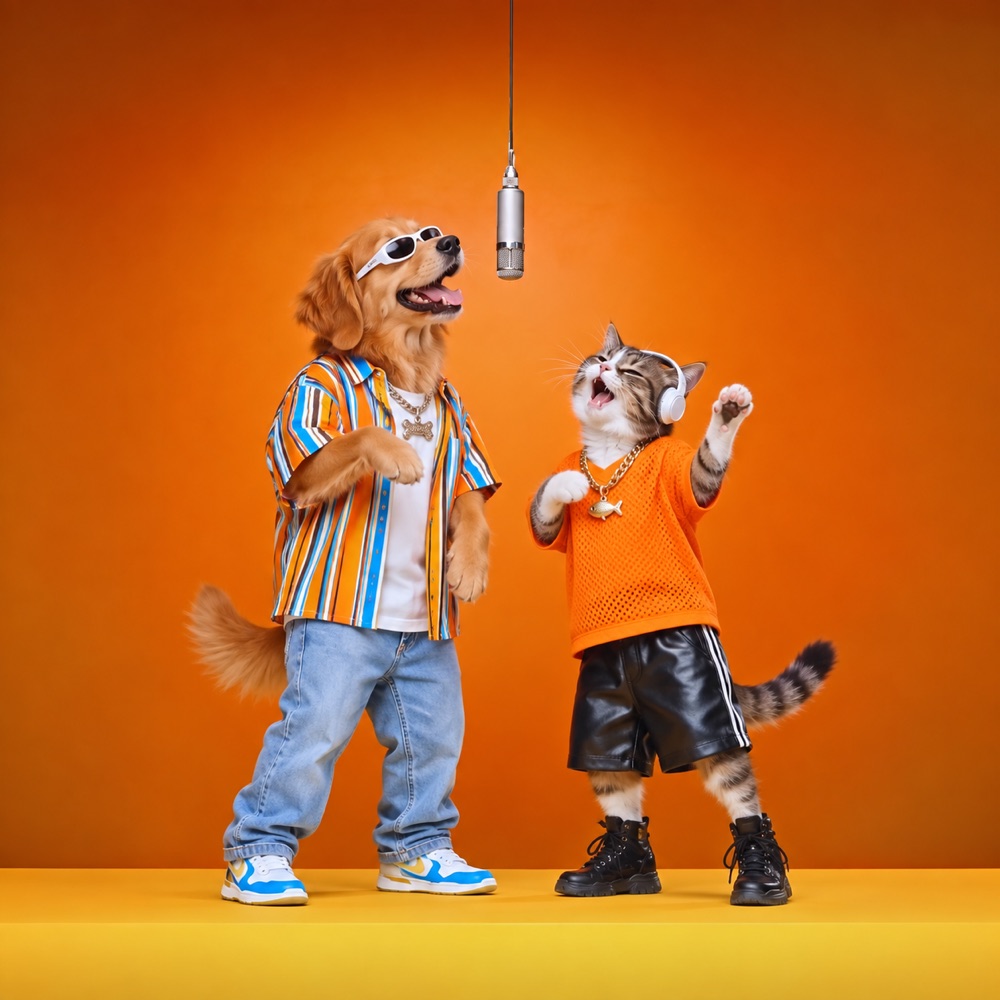
Give pets, mascots, or characters you own the mic.
The Hotel Lobby AI trend
Couples bring the chemistry. Pets and playful characters bring the surprise. Choose two portraits and MiniMax H3 recasts the same recognizable orange-booth performance around your duo.
Use photos of consenting adults, pets, or fictional characters you control. The generator preserves the configured reference performance and synchronized audio while replacing the two performers.
From camera roll to cut
Upload one well-lit photo with a clear face and visible upper body. A simple background gives the model cleaner identity detail.
Upload a different person in a separate photo. The first reference is prompted for the left side and the second for the right.
Choose 5, 10, or 15 seconds. MiniMax H3 remakes the matching 9:16 reference performance with both uploaded identities, its original choreography, and synchronized audio.
Casting notes
Contrast is the hook. Pick two faces your audience already associates with a story, rivalry, friendship, or inside joke.
Turn the group chat into a headline set.
Turn your chemistry into a shared headline moment.
Give the reunion its own performance cut.
Give pets, mascots, or characters you own the mic.
Plans for every lineup
Buy credits once and use them whenever inspiration hits. 5, 10, and 15-second videos use 10, 20, and 30 credits.
Taster Pack
One full 15-second video or three quick 5-second tries
Popular Pack
A flexible pack for testing several pairings
Creator Pack
For creators producing a full run of variations
One-time purchase. No subscription. Provider costs and generation capacity may change; your account always shows the credits actually granted.
Before the beat drops
Use two separate photos with one adult in each image. Waist-up or full-body shots with a clear face, even light, and a simple background give the model more useful identity and clothing detail.
Choose a 5, 10, or 15-second vertical 9:16 reference cut. Every option generates at 768P and uses the corresponding reference audio.
The generation is instructed to preserve the complete synchronized audio embedded in the configured reference video without synthesizing or remixing it.
Only upload consenting adults or fictional characters you control. Do not upload minors or create deceptive, harmful, sexual, or unlawful content.
The task is marked failed and all credits used for that render are restored automatically. You can adjust the photos and try again.
No. Hotel Lobby is the title associated with the original performance. The viral visual is a minimalist orange studio with two performers and one hanging microphone.
Your turn in the booth
Upload one clear photo for each performer and remake the configured reference performance with your selected duo.