Best Photos for Hotel Lobby AI Videos
Learn which portraits give a Hotel Lobby AI generator the clearest identity, clothing, and body details—and which photo problems to avoid.
 Hotel Lobby AI Team
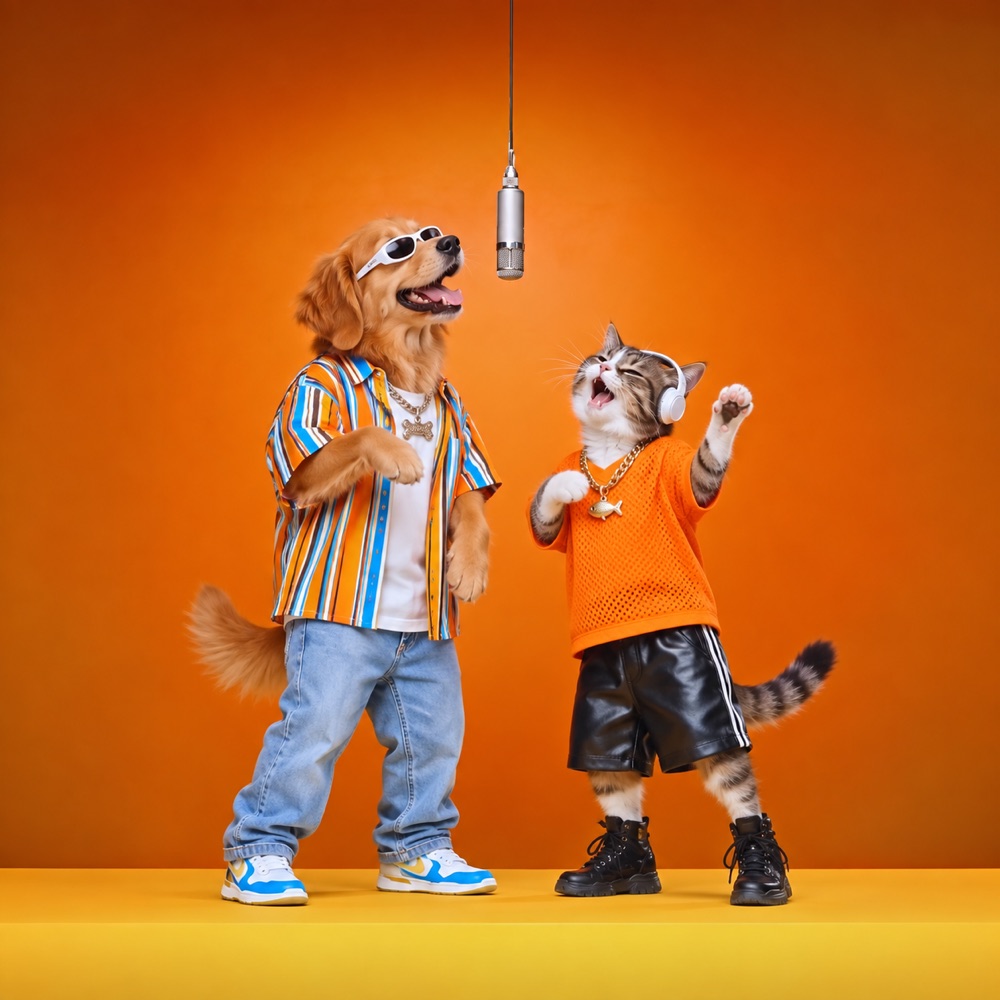
Source-photo quality strongly affects an AI identity-replacement video. A useful Hotel Lobby AI portrait gives the model clear information about one subject’s face, hair, clothing, and visible body shape.
The recommended photo checklist
For each performer, choose an image with:
- Exactly one main subject.
- A clearly visible face looking toward or near the camera.
- Even light without strong shadows across the eyes or mouth.
- Waist-up, three-quarter, or full-body framing.
- Enough resolution to see facial and clothing details.
- A simple background that does not overlap the subject heavily.
Use two separate images. Do not crop two people from the same crowded group shot when better individual portraits are available.
Photos that often produce weaker results
Avoid images where the subject is very small, motion-blurred, heavily filtered, hidden by sunglasses or hands, turned completely away from the camera, or lit from behind. Extreme close-ups may describe the face well but provide too little clothing and body information for a full performance.
Group photos can also confuse subject selection. If multiple faces appear in one upload, the model may use the wrong identity or combine details.
Matching the two source images
The photos do not need identical backgrounds, outfits, or camera angles. However, reasonably similar image quality helps the final pair feel balanced. If one image is sharp and well-lit while the other is dark and compressed, the two generated performers may differ noticeably in stability.
The first uploaded image maps to the left performer and the second to the right. Choose the order deliberately when the pairing or reveal depends on who appears on each side.
Consent and safety
Use only images you own or are authorized to use. Identifiable people must be consenting adults. Never upload minors, intimate material, or photos intended for deceptive impersonation or harm. Review the Terms of Service before generating.
If the first render does not capture a subject well, try a different source photo rather than repeatedly submitting the same weak image. A clearer face and more visible upper body usually provide more useful reference information.
When both portraits meet this checklist, open the generator and select a 5, 10, or 15-second format.