How to Make a Hotel Lobby AI Video
A step-by-step guide to creating a Hotel Lobby AI duo video from two photos, including duration, credits, consent, and failed-render handling.
 Hotel Lobby AI Team
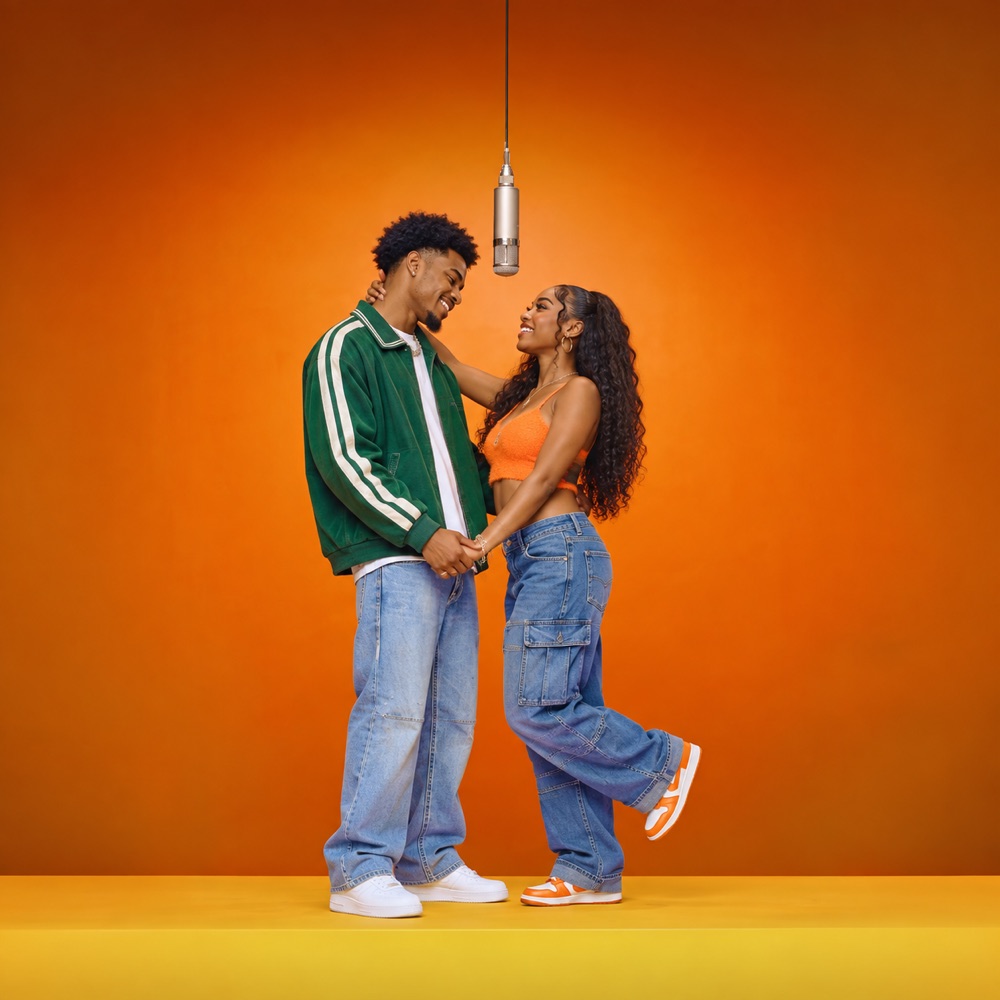
You can make a Hotel Lobby AI video with two separate source images and a credit balance. No prompt writing or video editing is required.
1. Choose two subjects
Pick a pair with a clear story: friends, a couple, siblings, teammates, pets, or characters you control. For identifiable people, confirm that everyone is an adult and has agreed to the intended AI-generated video.
2. Prepare one photo per performer
Use a different image for each side of the performance. Each image should contain one main subject with a clear face, even lighting, and a visible upper body or full body. Avoid group photos, covered faces, heavy blur, or very small subjects.
The first photo is assigned to the left performer and the second photo to the right performer.
3. Select a duration
Choose one of three vertical 9:16 formats:
- 5 seconds: 10 credits.
- 10 seconds: 20 credits.
- 15 seconds: 30 credits.
Every option renders at 768P and uses the matching configured reference cut with synchronized audio.
4. Confirm permission and submit
Before generating, confirm that each image contains one adult and that you have permission to use both images. The service rejects minors, intimate content, unauthorized likeness use, and other prohibited material described in the Terms of Service.
After submission, the task moves through queued and rendering states. Processing normally takes several minutes, but actual time can vary with provider demand.
5. Review the result
Check facial identity, clothing, hands, synchronization, and any unexpected details before downloading or sharing the video. AI output varies, so a second attempt with clearer source images can produce a different result.
If a generation fails because of a verified service error, its credits are restored automatically. A successful but subjectively imperfect result is not considered a failed render.
Before you publish
Do not present generated content as authentic evidence, use it to impersonate someone deceptively, or publish it in a way that violates another person’s rights. Clearly disclose AI generation when context could otherwise mislead viewers.
Ready to start? Open the Hotel Lobby AI generator or review the credit-pack pricing.